Troubleshooting
I've run into a bug. Where can I find the log files?
You can access your User Library, by clicking on your Desktop, then holding down OPTION as you click the Go menu item in Finder. A Library option will appear:

Once you have your User Library open, you can find the log files here:
/Users/YOUR-USER-NAME/Library/Group Containers/A5HDJTY9X5.com.latenitefilms.BRAWToolbox/Library/Application Support/
You can also copy the below path, press COMMAND+SHIFT+G from Finder (or via the Go > Go to Folder... menubar item), and paste in that path into the Go to Folder popup:
~/Library/Group Containers/A5HDJTY9X5.com.latenitefilms.BRAWToolbox/Library/Application Support/Please create a ZIP file of this entire Application Support folder (by right-clicking and selecting the Compress menu item), so that we can review all of these log files:

You can find any crash reports here:
/Users/YOUR-USER-NAME/Library/Logs/DiagnosticReports
Again, you can also copy the below path, press COMMAND+SHIFT+G from Finder (or via the Go > Go to Folder... menubar item), and paste in that path into the Go to Folder popup:
~/Library/Logs/DiagnosticReportsAny crashes related to BRAW Toolbox will have BRAW Toolbox at the start of the filename.
There might also be crash logs in the Retired sub-folder (these are crash logs that have already been sent to Apple):
/Users/YOUR-USER-NAME/Library/Logs/DiagnosticReports/Retired

Again, please ZIP up all of these individual crash logs, so that we can review them all.
You post an issue with these files in a ZIP, and we'll try and resolve your specific problem.
Is my Mac fast enough to play BRAW files?
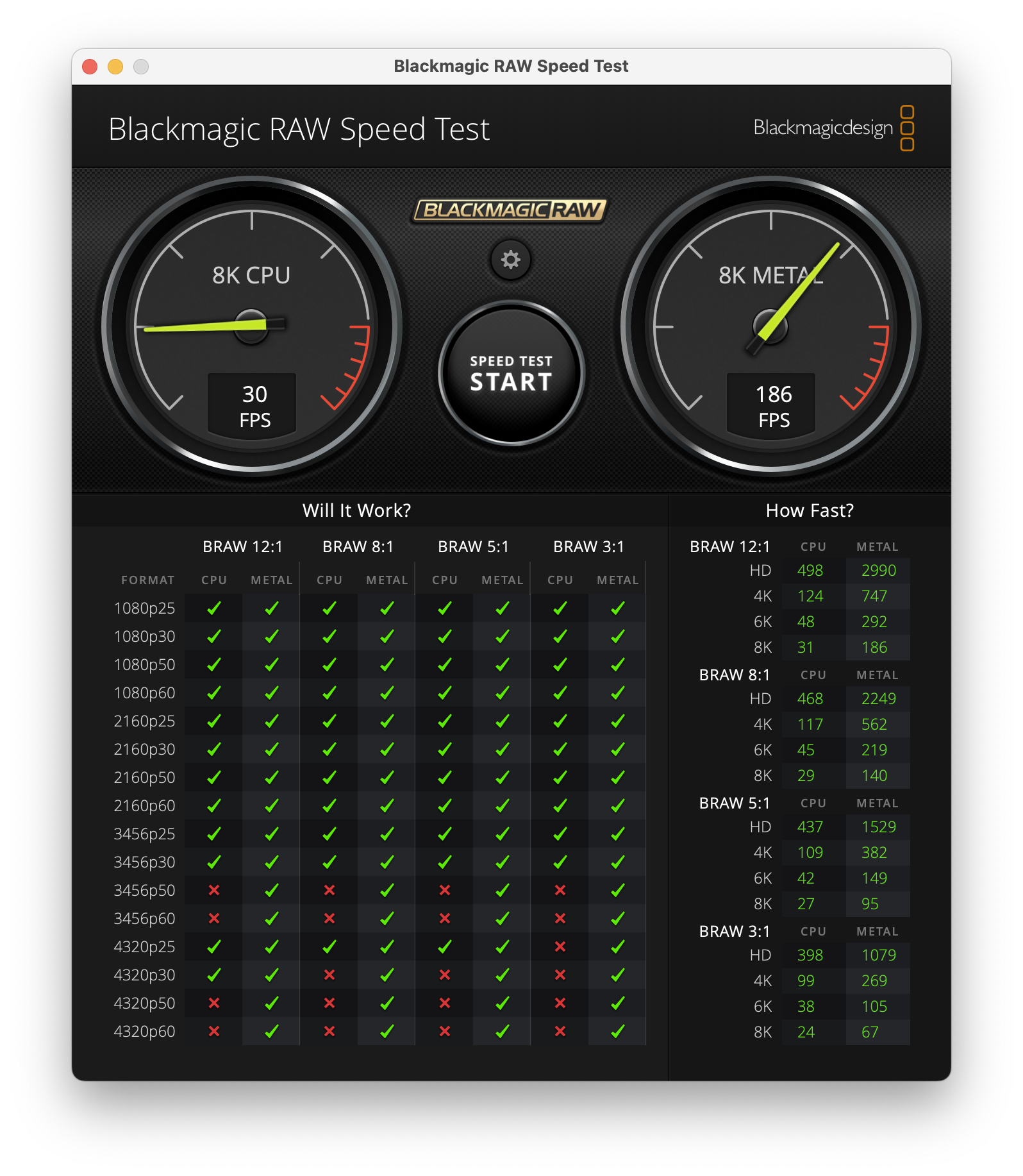
You can use the free Blackmagic RAW Speed Test to check if your system's GPU is fast enough to play BRAW files.
You can use the free Blackmagic Disk Speed Test to check if your hard drive is fast enough to keep up with BRAW files.

You can use the free Blackmagic RAW Player to see how your system performs playing back your BRAW files.

Why can't I adjust the Custom Gamma Controls?
You can only adjust the Custom Gamma Controls if you select the Blackmagic Design Custom Gamma option.
Custom Gamma Controls are also not supported by Blackmagic Generation 6 Colour Science.