How To Use
After installing, you can simply drag-and-drop Blackmagic RAW files directly into Final Cut Pro! It's that easy! 🥳

You can find the RAW controls at the bottom of the Metadata Inspector with the Edit RAW Properties button.

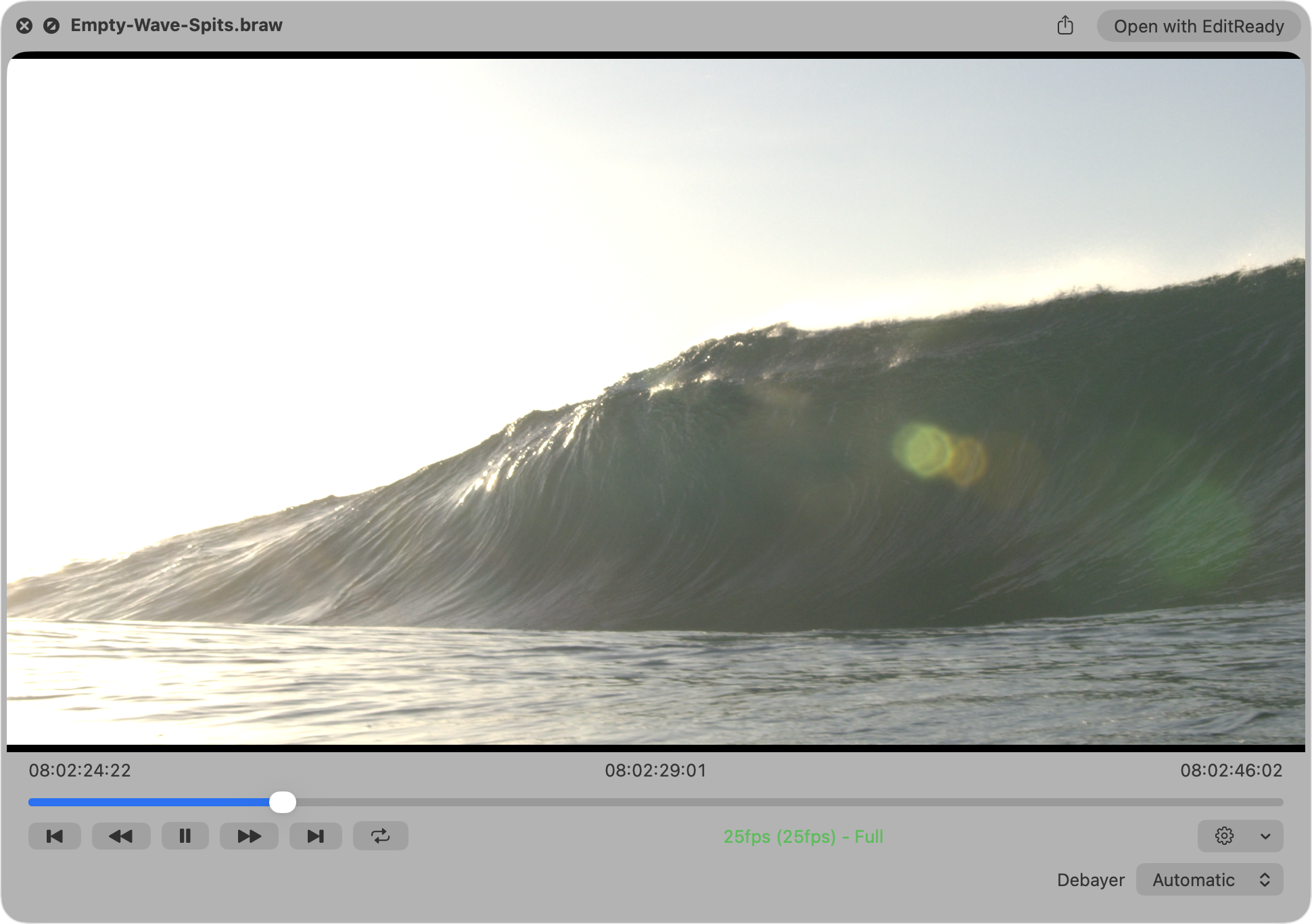
Quick Look
Once Quick Look is enabled in System Settings you can simply use the Space bar key in Finder to preview Blackmagic RAW files.
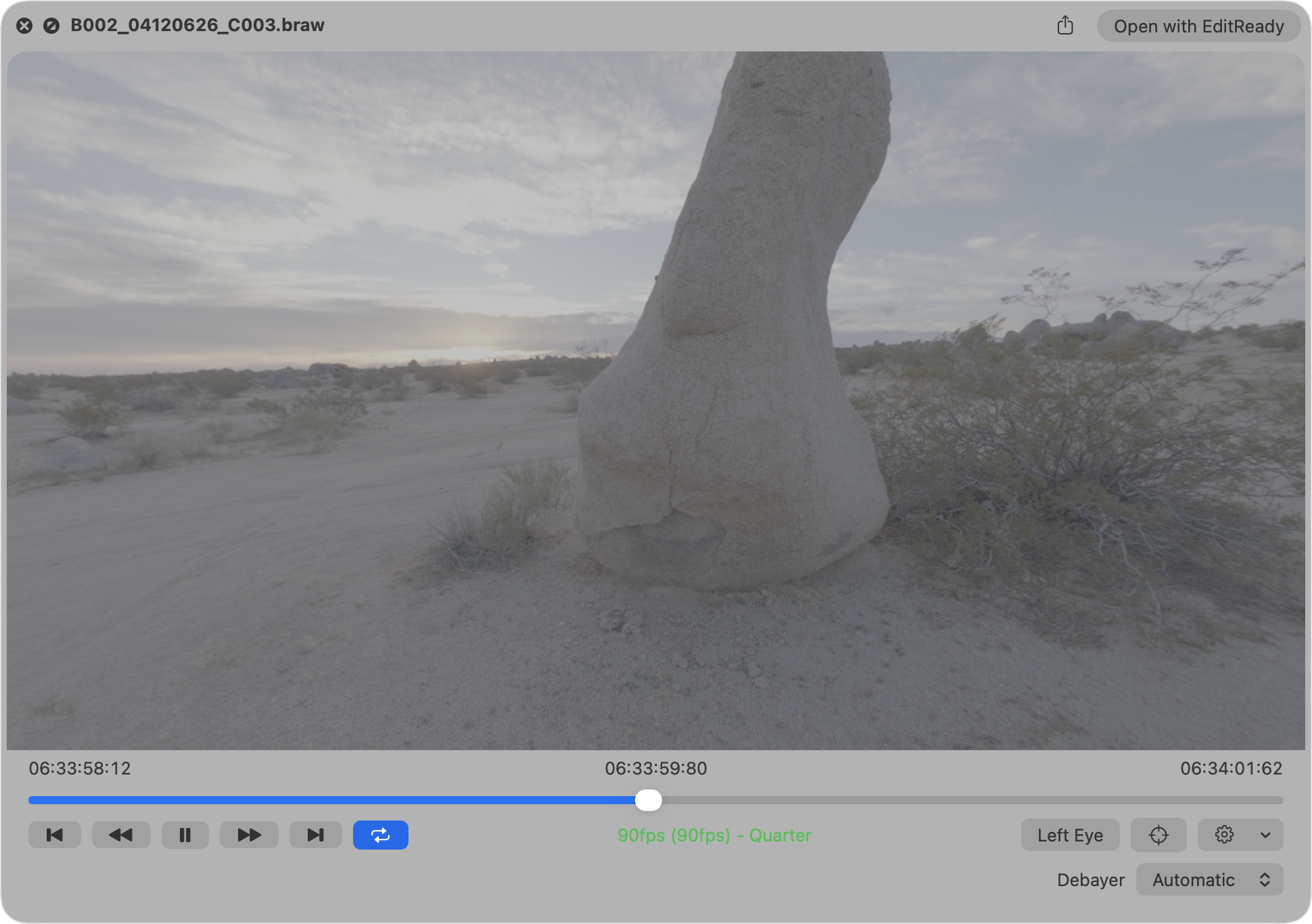
You can even preview Immersive clips.
BRAW Player
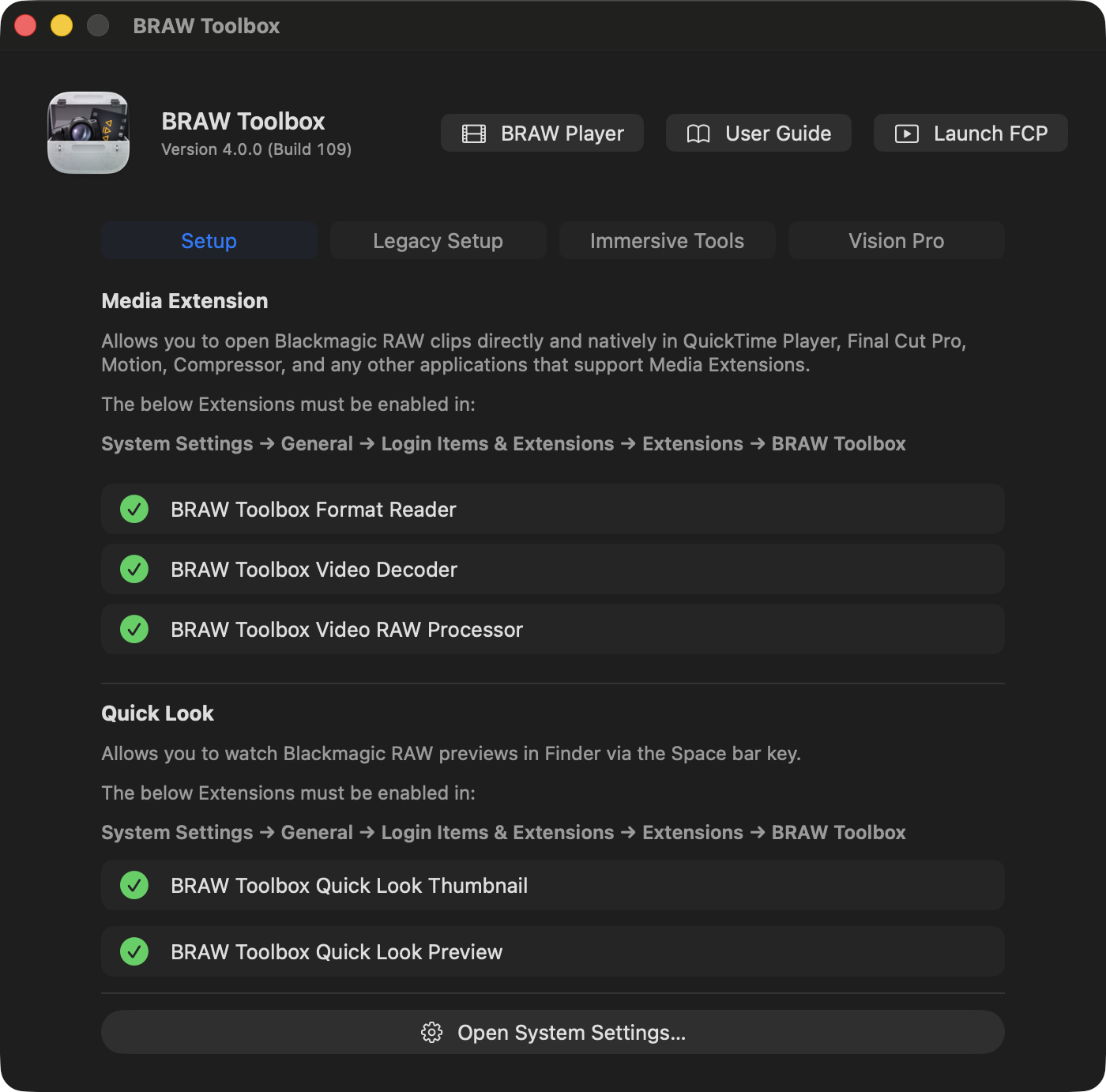
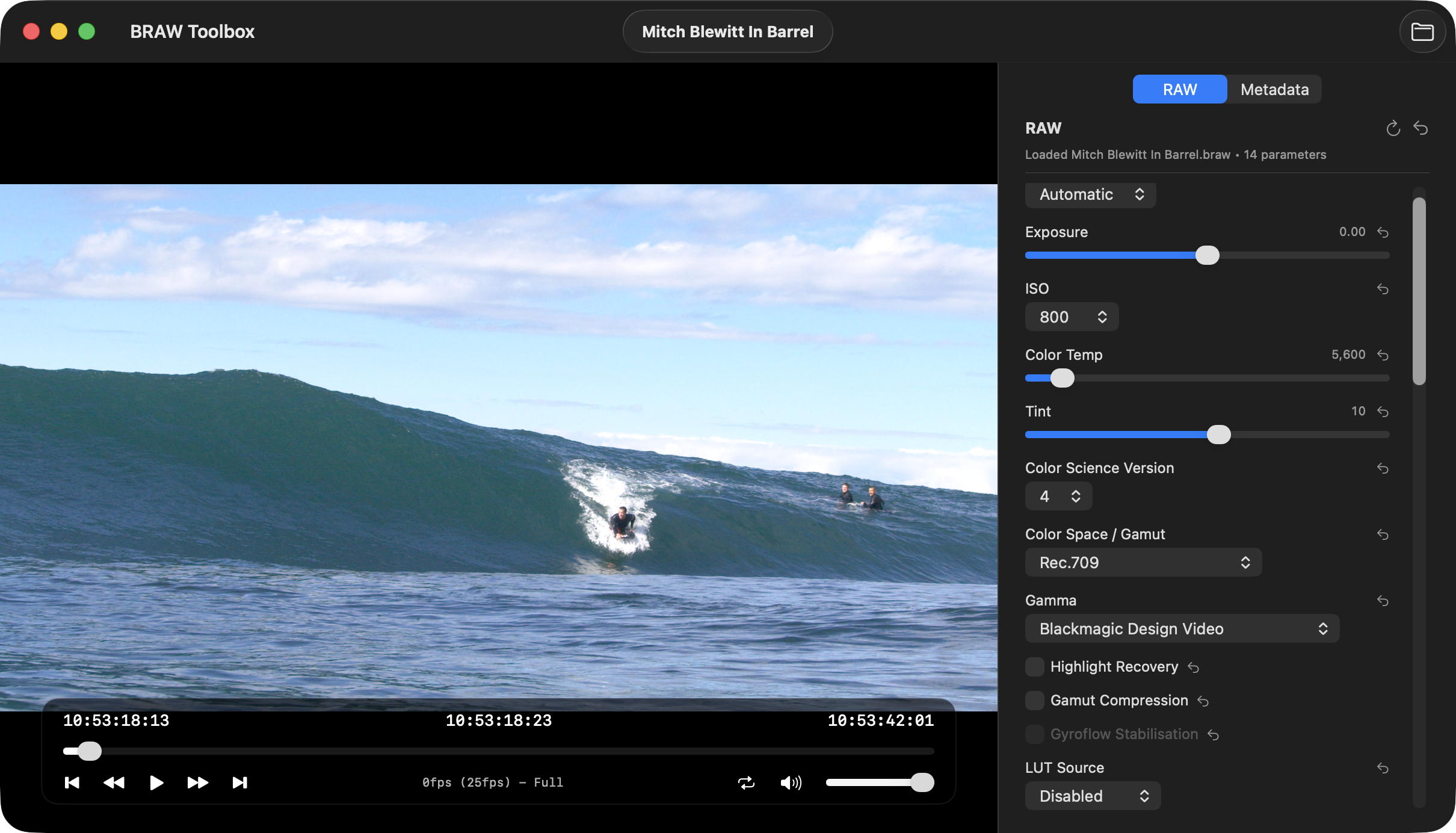
The BRAW Toolbox application also has a built-in Blackmagic RAW player.
When you launch BRAW Toolbox from your /Applications folder, click BRAW Player in the top-right corner.
You then have a player with full RAW controls and full metadata viewing:
You can even stream Immersive clips to the BRAW Toolbox Vision Pro app.