System Requirements
Media Extension
The Media Extension requires macOS Tahoe (or later) and Final Cut Pro 12.0 (or later).
It works best on the latest Apple Silicon Mac's, however Intel is also supported.
Whilst Media Extensions can TECHNICALLY run on older versions of macOS and Final Cut Pro, there's bugs that have been fixed in later updates.
Before you purchase, you should make sure that your system has a fast enough GPU and hard drive to play back BRAW files.
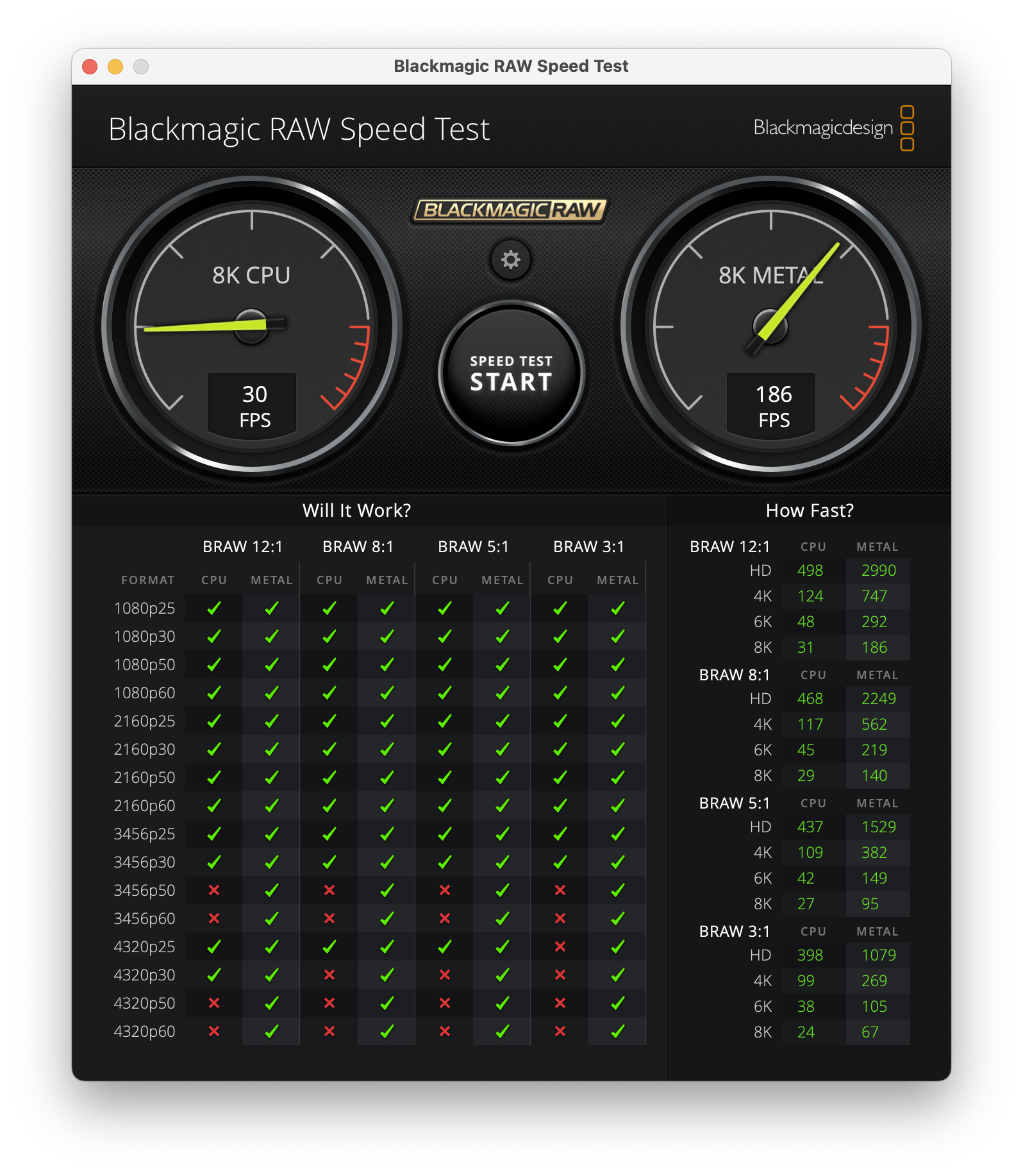
You can use Blackmagic's free Blackmagic RAW Speed Test and Blackmagic Disk Speed Test tools to ensure your system is fast enough for the footage you want to work with.
You can also use Blackmagic's free Blackmagic RAW Player to test playing back BRAW files on your system.
Legacy Workflow
BRAW Toolbox requires Final Cut Pro 10.6.5 or later.
It works great on the latest Final Cut Pro 12.2 release.
It works best on the latest Apple Silicon Mac's, however Intel is also supported.
Unfortunately, currently BRAW Toolbox won't work on Final Cut Pro for iPad, however if Apple does add third party FxPlug support, we'll definitely look into this!
You can find Final Cut Pro's system requirements here.
Before you purchase, you should make sure that your system has a fast enough GPU and hard drive to play back BRAW files.
You can use Blackmagic's free Blackmagic RAW Speed Test and Blackmagic Disk Speed Test tools to ensure your system is fast enough for the footage you want to work with.
You can also use Blackmagic's free Blackmagic RAW Player to test playing back BRAW files on your system.